
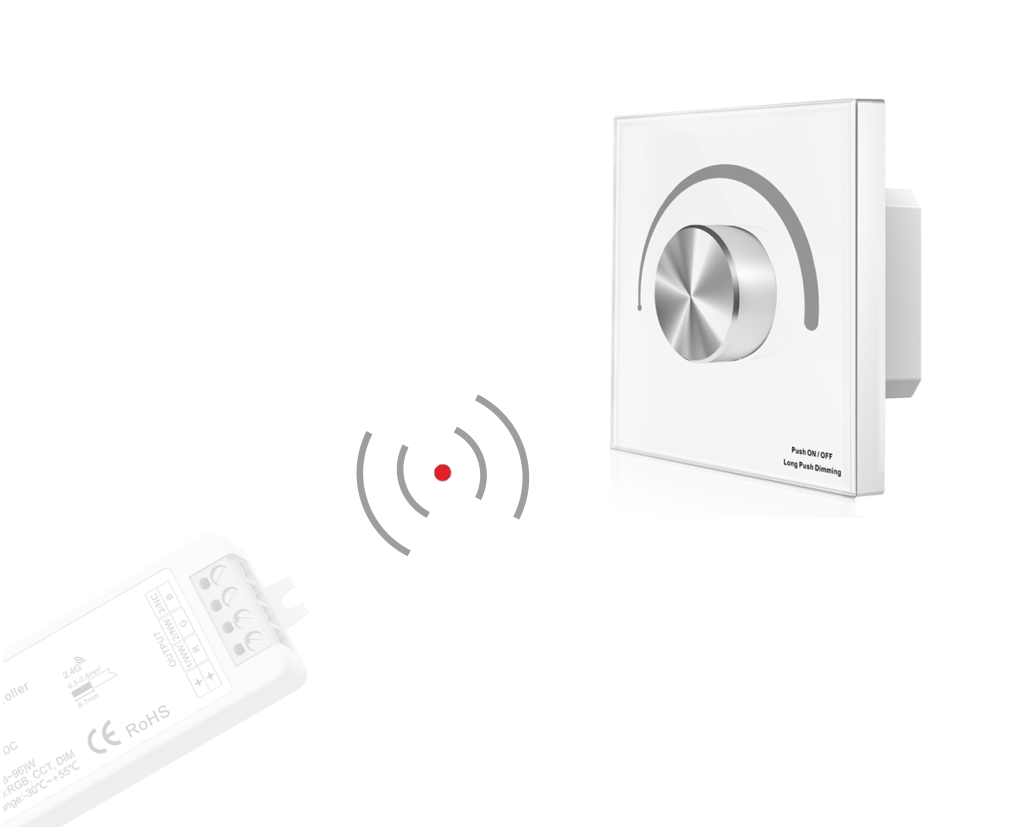

This is the remote controller only; a receiver must be purchased separately!

Door-to-door warranty as standard – check details
Panel for LED strip:
– MONO (single-color)
Panel for controlling LED strip lighting
The panel requires a receiver to operate.
Allows you to adjust light intensity as well as turn it on and off.
Panel functions:
- on / off
- dim / brighten
- DMX512 control
- 1 zone
- wall panel mounted in a Ø60 electrical junction box – powered by 230V
- 256 levels of smooth dimming in the 0-100% range without flicker
- when operating as a DMX512 master, the panel is compatible with a single-zone or multi-zone BLACK series remote
- when used as an RF remote, the panel can remotely control multiple BLACK series LED controllers/receivers
Panel for controlling 1 lighting zone!
Each room / section in a building can be controlled from one panel – multiple receivers can be paired to a single zone.
Discover the BLACK series family
The panel requires a second device, which is a receiver. The panel is compatible with the following receivers:
Instructions for pairing (connecting the panel to the receiver) and unpairing
PAIRING and UNPAIRING – there are two options to choose from:
1. Use the controller’s Match key:
Pairing:
- Short-press the Match key, then immediately short-press the rotary panel knob.
Unpairing:
- Turn off the receiver’s power supply, then turn it back on.
Immediately short-press the knob on the rotary panel 5 times.
The indicator light will flash 5 times, meaning all paired remotes have been cleared.
2. Use power cycle restart:
Pairing:
- Turn off the receiver’s power supply, then turn it back on.
Immediately short-press the knob on the rotary panel 3 times.
The indicator light will flash 3 times, meaning pairing was successful.
Unpairing:
- Press and hold the Match key for 5 seconds to delete all pairings.
The indicator light will flash 5 times, meaning all paired remotes have been cleared.